Apr to Jun 2025 • Client project • Parallel

Filling insurance onboarding forms shouldn't feel like a full-time job

As a Jr. Product Designer, I streamlined the client onboarding experience for over 65,000 insurance agents, cutting their turnaround time by an estimated 20%.
By studying regulatory guidelines and digging deeper into the user flow to uncover hidden friction points, I restructured the form-filling experience to minimize manual entry, improve data recall, and eliminate unnecessary workload.

“Full coverage” across process and partnership

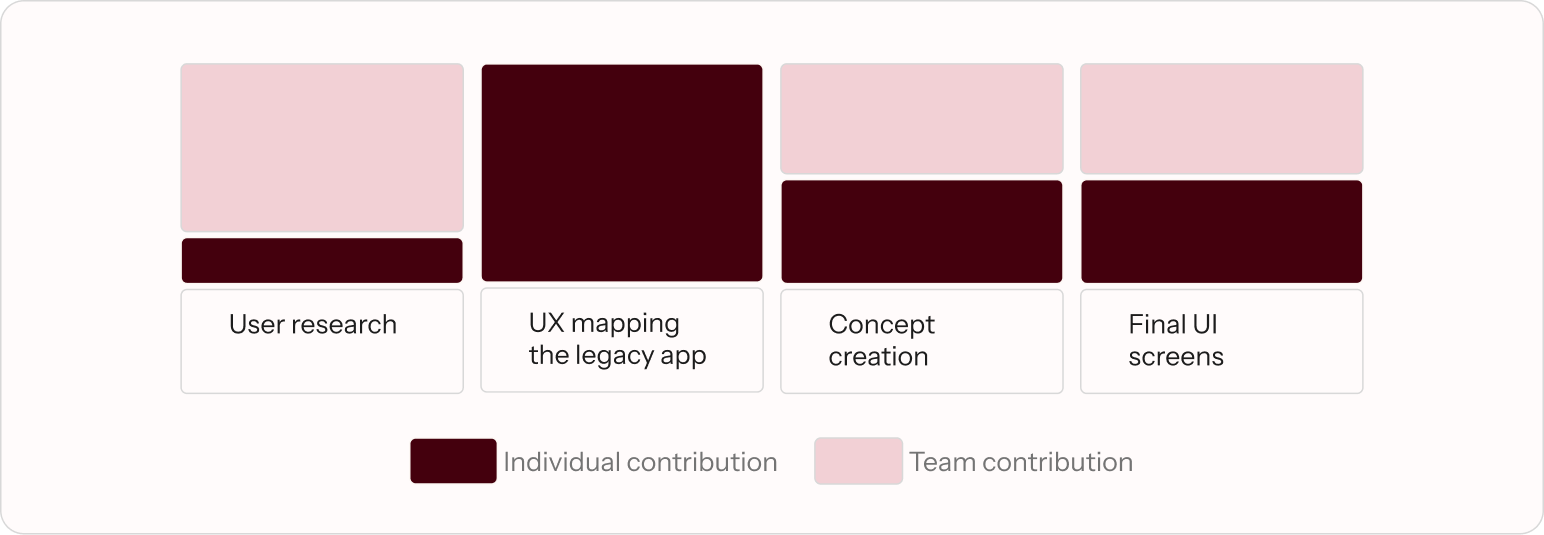
I worked alongside Aahna Garg (Product Designer) and Tanay Modi (Design Strategist) for this project, while collaborating with the client PMs and VPs over weekly syncs.

Untangling a friction-heavy onboarding process

While external delays like policy processing take time, internal friction starts at the initial application. Agents navigated opaque workflows with little feedback on progress or missing requirements - turning routine form submission into a confusing, step-heavy chore that hurt client retention.

The problem

High industry turnover meant constant onboarding of new agents. With an unintuitive interface and zero inline guidance, new hires struggled to learn the platform, leading to high error rates and lost momentum.

My role

Partnered with a co-designer to dissect complex application flows and redesign the form architecture for speed, clarity, and ease of use - all while strictly adhering to regulatory guidelines.

What does the user do

I transcribed and analysed 10+ regional language interviews from preliminary user research to map out agent behaviours, daily workflows, and core pain points.

Who are our agents?

Agents span socio-economically diverse regions with varying levels of experience. Due to high industry churn, a significant portion of the user base consists of new hires who must adapt to complex workflows quickly while driving conversion and retention.

What does an agent do?

An agent’s responsibilities across the client lifecycle break down into four core stages: prospecting & sales, client onboarding (form submission), underwriting coordination, and ongoing client servicing/upselling.

Why are the agents frustrated with client onboarding?

Onboarding isn't the only thing agents do in a day, but fulfilling its requirements takes up a large chunk of their time. During research, three core pain points stood out:

Repeated Data Entry

The same client information is asked multiple times across the form, making the process unnecessarily long.

Staggered Requirements

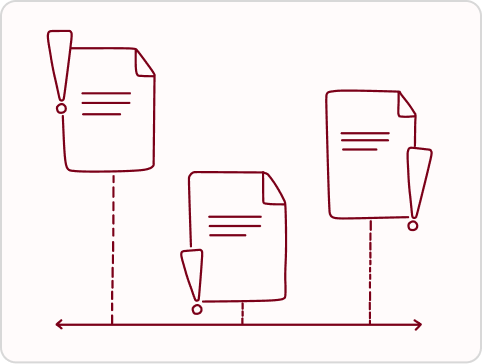
Document and data requirements are brought up in pieces rather than all at once, creating a poor experience for the client.

Locked form data

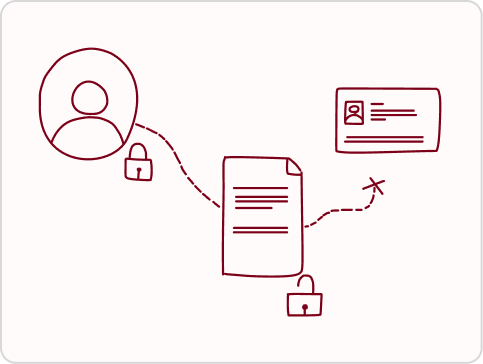
Entered information gets locked at certain stages, forcing agents to start an entirely new form if a last-minute change is needed.

Studying the current app used for onboarding

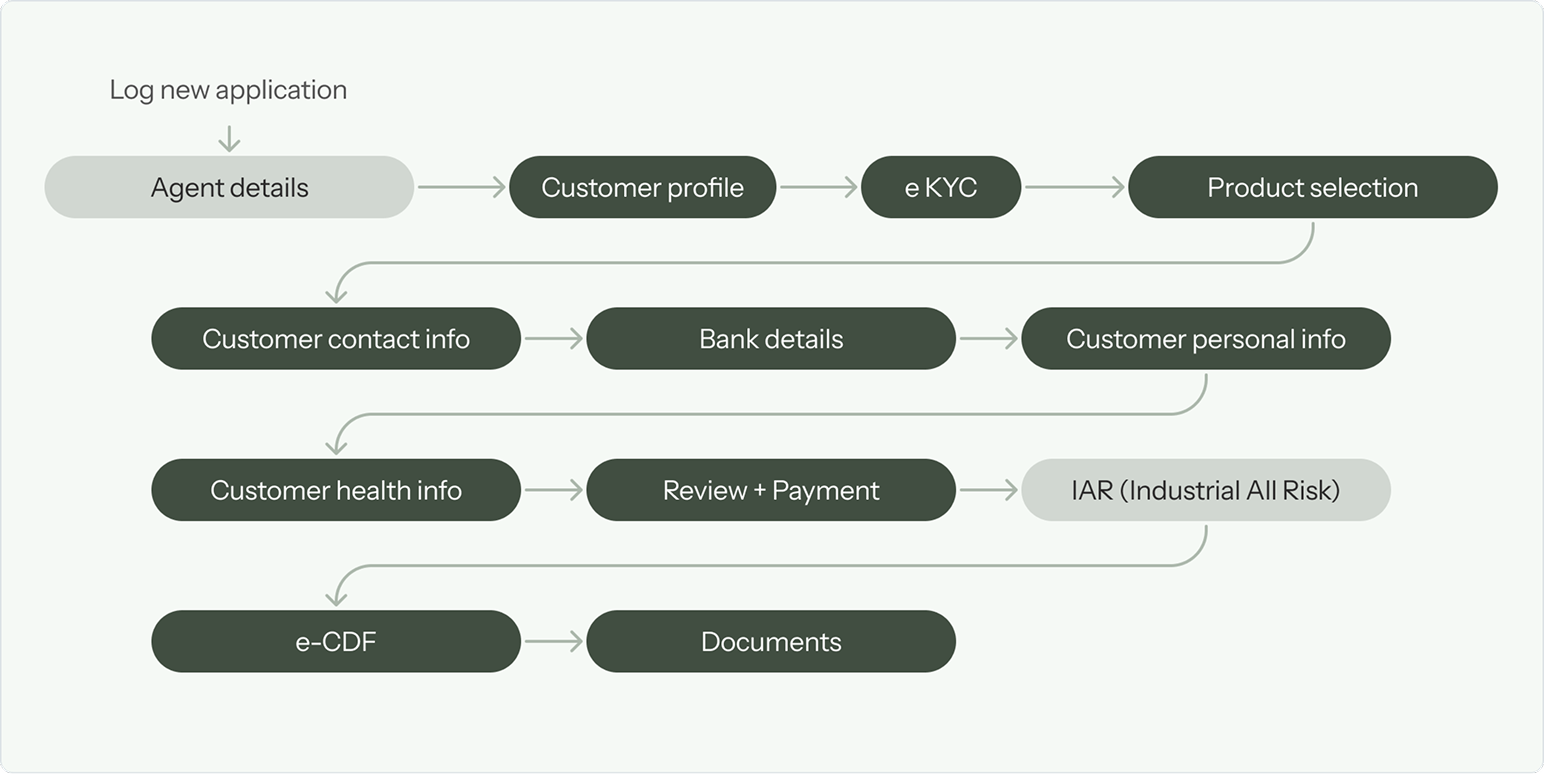
After analyzing the user research, I studied the current app to find which underlying features and flows were causing the agents' main frustrations.

Where is the UX breaking in app?

  • No Automated data input
    Issues like repeated data entry could be solved with autofill or document readers, which are currently not used anywhere in the flow.
  • Lack of clear progress tracking
    Basic requirements are not shown upfront, relying on memory rather than clear indicators to help agents track their progress.
  • Late system callouts
    Warnings and requirements appear only after decisions are made. This makes backtracking difficult and wastes time and effort.
  • Confusing navigation
    The flow doesn't follow standard navigation patterns, leaving users unsure of where they are, making the form feel endless to new agents.

Scoping with Jobs To Be Done

To define the most critical problems to solve, we curated a prioritised list of 15 core JTBDs across key stages of the flow, including customer detail input and plan selection. These filtered down into four central design objectives:

Faster completion

Integrate autofill functionality, group related fields intuitively, and reduce excessive scrolling to prevent missed inputs.

Clear expectations

Offer contextual cues throughout the flow and present requirements upfront rather than after an action is taken.

Build client trust

Show required documents and upcoming steps early so agents feel prepared and can request details from clients in advance.

Ensure process transparency

Provide clear status indicators and guidance for form completion, especially where regulatory constraints around underwriting processes introduce ambiguity.

Balancing compliance with user clarity

Midway through the project, the IRDAI (Insurance Regulatory and Development Authority of India) released updated compliance mandates for insurance sales and onboarding workflows.
Because regulatory rules strictly dictated the sequence of certain steps, we could not simply remove data locks or overhaul the top-level flow entirely. Instead, we focused on strategic structural adjustments alongside quick feedback, assistive copy and smaller changes in the overall UX to make a more efficient system.

Solving across a complex flow

Key design solutions focused on the primary improvement criteria identified in the scope.

1. Structure information clearly

Grouped form sections by client, policy, and supporting documents so agents can navigate with context and keep track of what matters next.

2. Surface progress and status

Progress indicators, status summaries, and clearer validation feedback reduce uncertainty and help agents know exactly what remains.

3. Make editing less disruptive

Instead of locking the entire form after a correction, the redesign creates a more forgiving flow that supports quick fixes without forcing a restart.

What changed

Lower friction: The form feels less mechanical and more guided.

Better confidence: Agents can see missing steps sooner and act with less hesitation.

Faster resolution: The process supports correction without costly restarts.

What I learned

Compliance is a design constraint: it can still support speed and clarity.

Context reduces errors: visibility into status and next steps matters as much as the fields themselves.

Small workflow changes create real operational gains: even modest form-flow improvements can compound across large agent networks.

What I took from this experience

This mobile-first project taught me how to balance regulatory constraints, user needs, and practical handoff-ready solutions. It reinforced that design quality isn’t just about cleaner aesthetics — it’s about removing the points of friction that slow real users down.